
Operations
Fleet Tracking Software in Dubai
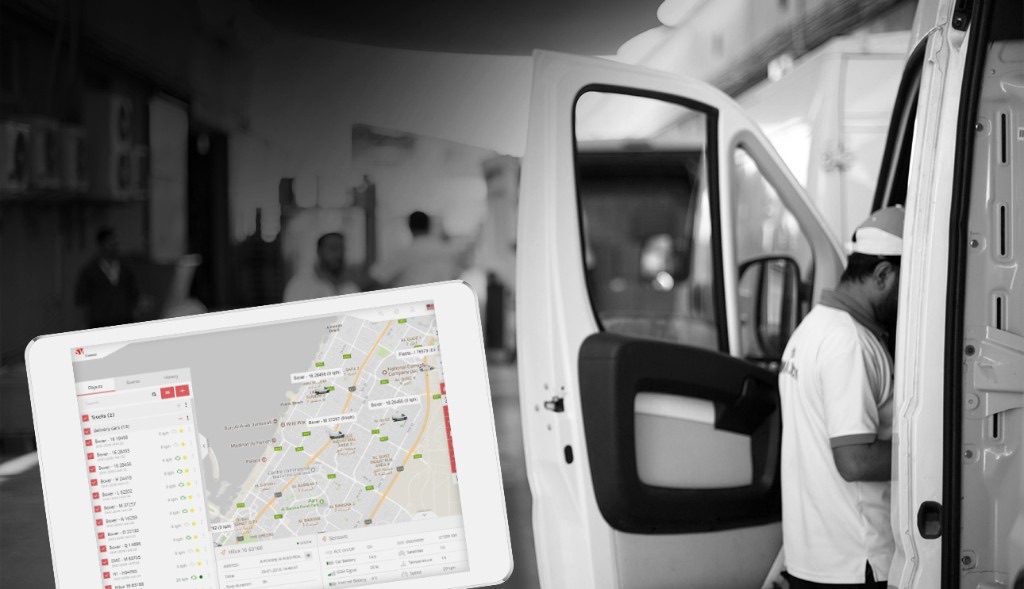
Live location for the fleet, a record of which tracker sits on which vehicle, and reports the office can send without calling the driver.
- You own the code, access and documentation
- NDA before you share details
- Dubai-based team, optional support after launch
The problem
The office asks where the van is. The answer is on someone's phone.
Position, which device is fitted, and what was said about the trip should live in one operations screen. Calling the driver, then checking a spreadsheet of serial numbers, is how a small fleet loses the afternoon.
What 3AXIS builds
A first version that matches how you already work
A first fleet screen: live location for the vehicles you connect, assignment of a tracker to a vehicle, and a report the office can open. Hardware, SIM plans, and a sales desk for the trackers themselves are separate.
How the path looks
The map is only useful if the office knows which unit is on which vehicle.
- 01Tracker
- 02Vehicle
- 03Live map
- 04Report
- 05Office
In the starting version
- Live vehicle location
- Tracker assigned to a vehicle
- Status the office can read
- A report you can send
- History of the trip
- Access for the people who dispatch
How we price this
Scoped after we see the work
Scope and price are written after we see the workflow, the systems involved, and what a first useful version has to do.
The first version is live location, tracker assignment, and an office report. Devices, SIMs, and vendor fees are separate.
Optional later
- Messaging between office and road
- Tracker inventory and sales
- More vehicle types
- Driver app
- Alerts when a vehicle leaves a zone
Who this is for
A team that sells or fits trackers and still tracks them in a sheet
Dispatch that currently phones the driver for a location
An office that needs yesterday's route without exporting three tools
How implementation works
- 01
Map the workflow
We start from how the work actually happens today - the spreadsheets, inboxes and systems involved - and agree what a first useful version has to do.
- 02
Agree the scope
You get a written outline of what is in, what is later, and a price that matches that scope. Nothing is assumed.
- 03
Build and review
We build in short cycles you can see. Your team uses the draft against real work so the next pass is based on use, not a slide.
- 04
Launch and hand over
We release it, migrate what you need, and hand over the code, access and documentation. Support afterwards is optional, not a lock-in.
Related work
Existing projects and writing that sit next to this problem - not invented case studies.
Questions worth asking first
No. The first version is the software: location, assignment, and a report. Devices, SIMs, and the vendor that provides the position feed are separate.
Only if that brand gives you a feed we can use. If the hardware is locked to its own app, we say so before the scope is agreed.
Fleet Tracking Software in Dubai
Scope and price are written after we see the workflow, the systems involved, and what a first useful version has to do.